Most business owners treat website accessibility as a legal checkbox. Something you worry about if you run a large corporation, or if someone files a complaint. But that is not really how it works.
Accessible web design affects every person who lands on your site. That includes people browsing on mobile devices, users with slow internet, older visitors struggling with small text, even someone having a rough day with tired eyes.
The truth is, when a website works well for everyone, it simply works better. This article breaks down why accessible websites are good design and what that means for your traffic, your rankings, and your customers.
What Is Website Accessibility?
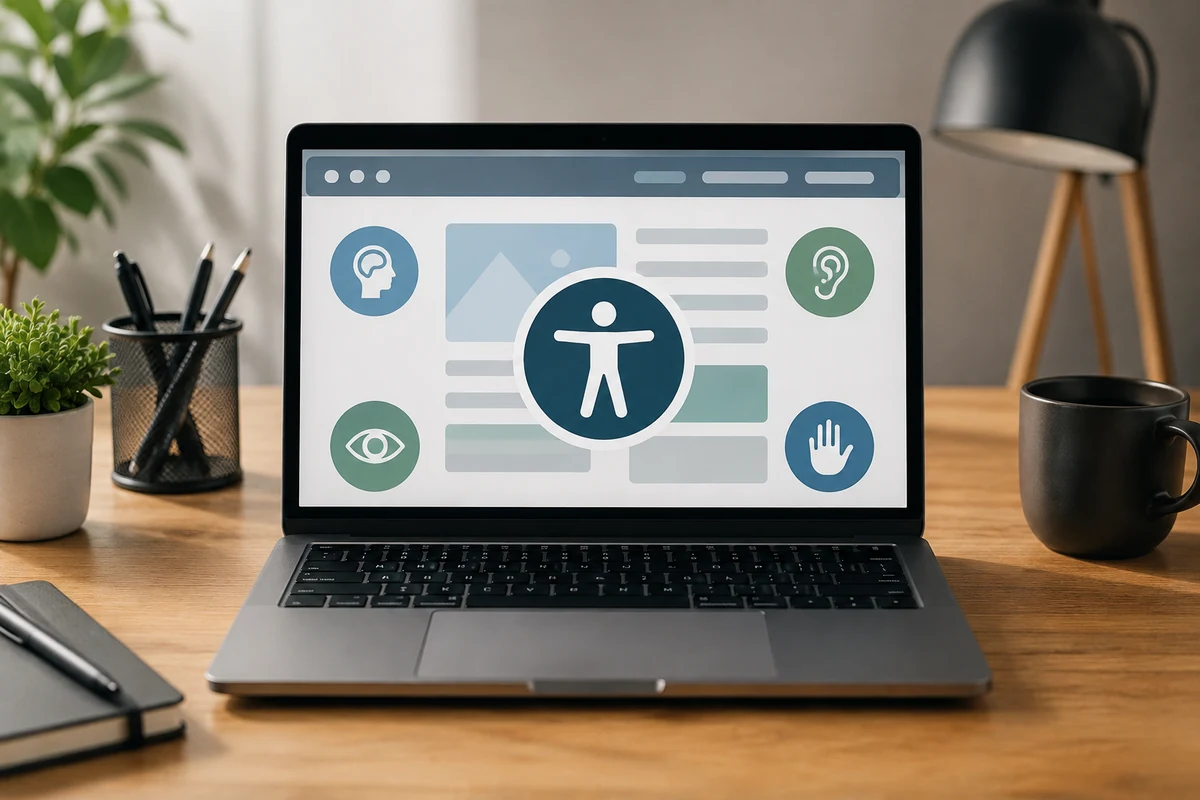
Website accessibility means building web pages so that every person can use them, regardless of their ability, device, or situation. In fact, the World Wide Web Consortium, better known as W3C, developed the web content accessibility guidelines to give website developers a clear, consistent standard to follow.
Think about it this way: when you design only for the average user, you are shutting the door on a significant portion of your audience. That includes people who rely on a screen reader, those using assistive technologies like voice control, and users who depend on alt text to understand images (this happens more often than you’d think).
Simply put, accessibility guidelines are not about adding extras on top of your site. They are about building something that works properly, for everyone, right from the start.
The Everyday Visitors Who Benefit From Web Accessibility Guidelines

To be honest, most people who benefit from accessible design never think of themselves as needing accessibility support.
From what we’ve seen across Brisbane web design projects, accessibility barriers affect a much wider audience. That includes people dealing with temporary issues, slow connections, and even older hardware.
People With Temporary or Situational Limitations
Picture a broken wrist, a bright afternoon glare on your mobile device screen, or a crowded train with no headphones. These are everyday situations where accessible design makes a real difference to the user experience.
Sounds familiar? Most people have been in at least one of these situations this week alone. Users with visual impairments, even short-term ones, need clear contrast, readable fonts, and logical page flow to take any action on your website.
Learning disabilities and attention difficulties fall into this category too. When your content is clean, structured, and easy to follow, even people without a formal diagnosis benefit from it.
Users on Slow Connections or Older Devices
Mobile accessibility is also just as important outside of major cities like Brisbane CBD. In regional areas and outer suburbs, connection speeds can be inconsistent, and plenty of users are still on older phones or laptops.
Accessible web pages tend to load faster because they are built with clean structure and minimal clutter. That means fewer abandoned sessions and more people reaching your contact page or service list.
When mobile devices struggle with heavy, poorly structured sites, users leave. And once they leave, they rarely come back.
Accessible Web Design and the SEO Connection

Search engines read your site in a very similar way to how assistive technologies do. Both crawl through your web content looking for structure, context, and clarity. So when you improve one, it automatically flows into other parts as well.
Search engine optimisation and web accessibility overlap in many ways. Investing in accessibility issues is a real bang for your buck, because the same improvements that help users also send stronger signals to search results.
Here are the key areas where accessibility and SEO work together:
- Heading Hierarchy: Clear, logical headings help both screen readers and search queries find the most relevant content on a given page
- Alt Text on Images: When search engines cannot see your visuals, descriptive alt text fills that gap, improving indexing and user interaction with visual content
- Link Text That Actually Describes the Destination: Vague anchors like “click here” tell crawlers nothing. Specific, descriptive link text gives everyone, users and search engines alike, the context they need
- Page Speed: Accessible sites are typically leaner and faster, which search engines reward directly in search results
- Mobile Usability: Google weighs mobile performance heavily in rankings, and clean, accessible structure is one of the most reliable ways to get it right
When these elements work together, your site becomes easier for both people and search engines to understand. That is not a coincidence. Accessible design and strong SEO are built on the same foundation: clear, well-structured content that anyone can use.
What WCAG Guidelines Mean for Your Web Content Accessibility?
A lot of business owners hear “web content accessibility guidelines WCAG” and immediately picture a mountain of technical documents. But WCAG 2.2 is easier to work with than it looks. It is simply an international framework of user testing success criteria.
WCAG 2.2 is organised into three levels: A, AA, and AAA. Most Australian businesses should aim for AA. It covers a range of accessibility requirements without the resource demands of AAA, and it aligns directly with Australia’s Disability Discrimination Act guidelines.
Cutting corners on accessibility requirements is a short-term decision that causes long-term headaches. Legal requirements are tightening globally, and the European Accessibility Act is a clear signal of where things are heading.
Knowing how to implement WCAG now puts you in a much stronger position, well before it becomes a compliance issue down the track.
Readability and Contrast Standards
Low vision affects a much larger share of your audience than the numbers suggest, and WCAG contrast criteria exist for good reason. However, text that blends into the background is mostly a conversion problem rather than an accessibility one.
The minimum contrast ratio under WCAG is 4.5:1 for regular text (something most people overlook until it’s too late). You can test this in seconds using free evaluation tools like the WebAIM Contrast Checker. If your brand colours are failing the test, that is worth flagging with your web designer straight away.
Font size and line spacing follow the same logic. Small, tightly packed text frustrates every type of user, and poor readability is one of the most common accessibility issues that push visitors away before they even finish the page.
Keyboard Navigation and Site Structure
Some users never touch a mouse, relying instead on keyboards, switch controls, or voice input to move through a site. For these users, the way you structure your pages determines whether they can use it at all.
This is where semantic information becomes important. Proper heading tags, labelled form fields, and logical tab order all help users navigate without a mouse. Accessible rich internet applications, or ARIA, international standards also play a role in making dynamic content usable for everyone.
Good structure pulls double duty here. It supports users with mobility limitations and makes your site easier for every visitor to move through quickly and confidently.

Does Accessibility Actually Improve User Experience?
Yes, and the logic becomes clear once you see it in action.
Based on our firsthand experience working with small business clients, sites that address accessibility problems consistently show lower bounce rates and longer time on page. Accessible means fewer barriers between your visitor and the information they came for.
Think about what that friction costs you. A visitor who cannot read your text clearly, cannot tab through your contact form, or cannot load your page on a slow connection is gone within seconds. Fix those friction points, and you will see longer sessions, more enquiries, and a lower bounce rate across the board.
Makes sense, right? When a site is genuinely easy to use, visitors stay longer, click more, and enquire more often. Accessible design treats digital products as something everyone deserves equal opportunities to use, and that mindset shows in the numbers.
Social inclusion also has a practical side that often gets overlooked. A site built for everyone captures more of the market, builds more trust, and holds up better as accessibility standards continue to rise internationally.
Make Your Website Work for Everyone
Accessibility is not a niche concern, and it goes well beyond ticking boxes (and it’s more common than you think). When you improve accessibility, you are making your site easier to use for every visitor who lands on it, regardless of their ability, device, or background.
If your site is hard to use for one person, chances are it is frustrating others too. An international standard like WCAG exists because the web works better when websites are built with everyone in mind, and that pays off in rankings, trust, and enquiries.
At Graphedge, we help Brisbane businesses improve accessibility and build sites that give every visitor proper access to what they need. Get in touch with our team today, and we will show you exactly where your site stands and what to do about it down the track.