Do small design tweaks really boost leads? Absolutely. Even minor changes to your business website can double your enquiries. The trick is knowing which web design tips actually work for local business owners like you.
If you’re tired of a site that looks fine but brings in zero calls, you’re in the right place. Today, we’ll walk through simple fixes that turn quiet websites into lead generators. Once you understand what’s pushing visitors away, you can start pulling them back in.
So, why wait around? Let’s get straight into the web design tips that move the needle.
Why Do Small Business Websites Struggle to Get Leads?
Small business websites lose leads because of poor layout, slow speeds, and unclear calls to action. Don’t worry, though. You can fix most of these yourself once you know where to look.
Here’s what usually goes wrong:
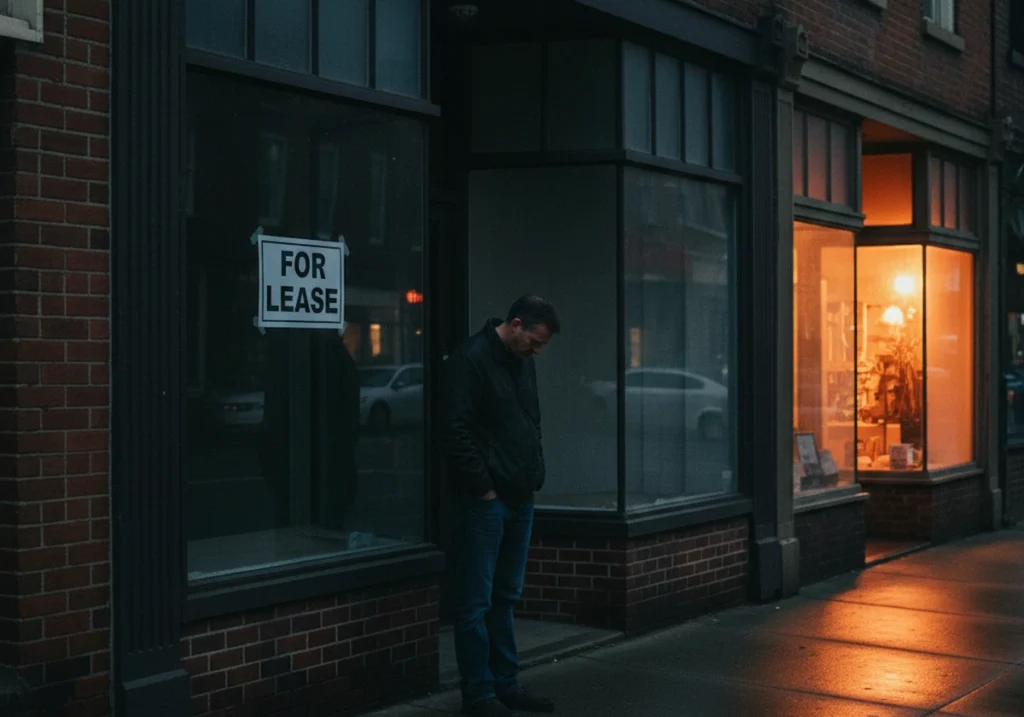
- Visitors leave fast: When users can’t find what they need within a few seconds, they bounce. If over half of your visitors leave without clicking anything, search engines start pushing your site lower in results.
- Outdated designs kill trust: Here’s the kicker. Your website is often the first impression potential customers get of your business (and yes, first impressions happen in under three seconds). If it looks like it was built in 2010, people assume your services are outdated, too. Cluttered menus, tiny fonts, or stock photos from another era can all make your site feel stuck in the past.
- Technical issues sneak up on you: Broken links, slow loading, and missing pages quietly push visitors away. The reason is that Google tracks these errors and penalises sites that frustrate users. One local cafe we know lost enquiries for weeks because their contact form stopped working after an update. Weeks of missed business, and they had no idea.
What we’re trying to say is, your website works for you around the clock. If it’s turning people away while you sleep, that’s money walking out the door.
Web Design Tips for a Professional Website
A professional-looking site builds trust fast, and these design tips help you get there without a full rebuild. It’s a piece of cake once you know where to focus.
Clean Layouts That Guide the Eye of the Target Audience
White space, also called negative space, gives your content room to breathe. From our experience working with Brisbane businesses, cramped pages overwhelm visitors before they even start reading. Grouping related elements together makes your site easier to scan and helps users find what they came for.
Once that’s sorted, a well-structured layout creates a clear visual path from headline to call to action. When visitors know where to look next, they stick around longer and actually engage with your services.
Visually Appealing CTAs That Actually Get Clicked
Your button text should tell visitors exactly what happens next. “Get a Free Quote” works better than just “Submit” because it sets clear expectations. What’s more, colour contrast makes buttons pop against your brand colours and colour palette, so they don’t blend into the background.
Think about it this way. Placing CTAs above the fold means visitors see them without scrolling. If your best offer sits at the bottom of the page, half your users will never reach it.
Mobile Responsiveness: Does Your Own Website Pass the Test?
When did you last check your own website on a phone? Over half of local searches happen on mobile devices, so how your site looks on smaller screen sizes can make or break a sale.
Let’s be honest here. Text that’s too small or buttons too close together frustrate users faster than anything else (we’ve all done the pinch-and-zoom dance before). If someone has to struggle just to tap your phone number, they’ll find a competitor who makes it easier.
Now here’s something most people miss. Google actually ranks mobile-friendly sites higher in search engines. So when your site doesn’t work well on phones, it’s not just visitors you lose. Your search engine rankings drop, too, which means fewer people find you in the first place.
The verdict is clear: mobile responsiveness isn’t a fancy extra anymore. For local businesses, it’s the bare minimum. A quick test on your own phone can tell you a lot about what needs fixing.
Customer Engagement Starts With Better UX Design
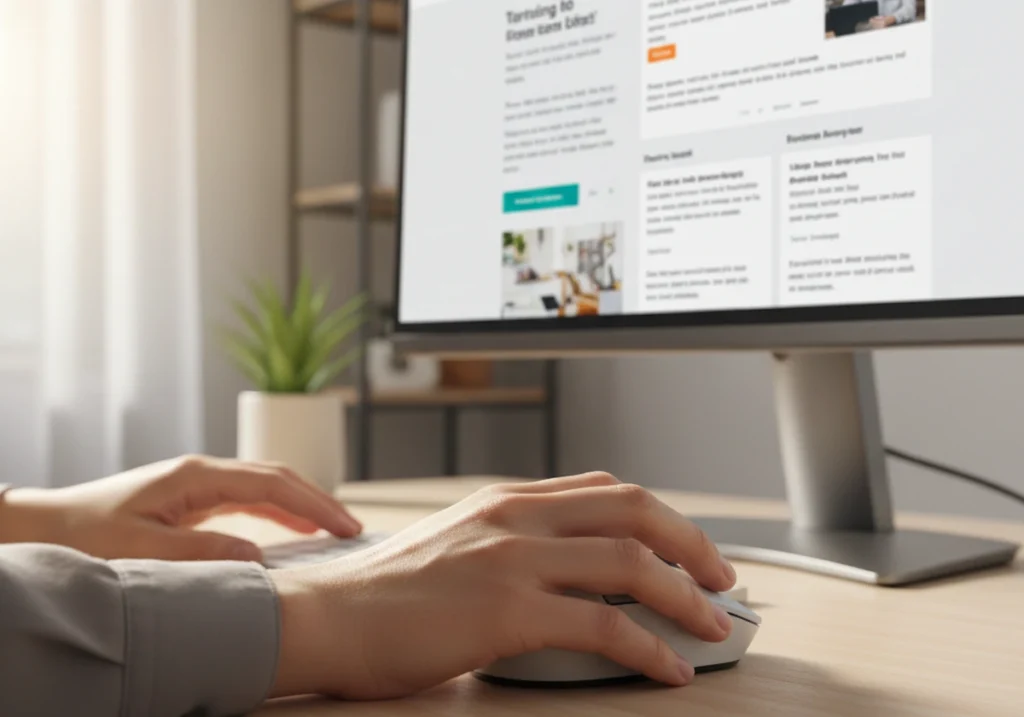
Better UX design is one of the key performance indicators, because it keeps visitors on your site longer and makes them more likely to enquire. When people enjoy using your website, customer engagement follows naturally. Wondering how that’s possible? Well, let’s clear up the mystery.
Simple Form Tweaks for More Enquiries
Fewer form fields mean more people actually finish and submit their details. Sometimes you need to bite the bullet and cut fields you thought were essential. Name, email, and a short message are often all you need.
Adding a phone number option gives customers another way to reach you fast, especially those who prefer a quick chat over typing. We’ve seen this firsthand with local clients. A simple confirmation message after submission reassures visitors that their enquiry went through successfully.
Page Speed Fixes for Ongoing Improvement
Compressing images is the fastest way to shave seconds off load time. It’s because heavy images slow everything down, even on fast connections. Free tools like TinyPNG or ShortPixel can shrink file sizes without losing quality. However, we recommend using ShortPixel for larger sites because it handles bulk compression better.
Let’s talk about plugins now. Removing unused plugins and scripts stops your site from dragging its feet (unused plugins are the quiet culprits behind most slow sites). Yes, regular speed checks help you catch problems early.
But if you skip them, small issues pile up until your site crawls. After all, page speed is an ongoing process, not a set-and-forget job.
Digital Marketing Works Better With the Right Website Foundation
Now that your site looks and feels better, it’s time to make sure your marketing efforts aren’t going to waste. So what’s the real deal here?
- Paid ads need a solid landing spot: Paid ads and SEO drive traffic to your site, but a poor website wastes that investment. If visitors click through and find a clunky page, they leave. You end up back at square one with nothing to show for it.
- Landing pages must match your promise: Funny enough, this is where most online business owners slip up. Your landing page needs to deliver exactly what your ad promised, or visitors bounce immediately. Mismatched messaging kills conversion rates faster than slow loading.
- Track what’s working: A solid site gives you all the tools to measure results. Analytics tools like Google Analytics show you where visitors come from and what they do next. Without this data, you’re just guessing which campaigns bring in paying customers.

At the end of the day, digital marketing only works when your website can seal the deal.
Ready to Turn Your Local Business Site Into a Lead Machine?
These tweaks work best with expert guidance tailored to your industry and audience. Small changes add up, but knowing which ones to prioritise saves you time and gets results faster.
Graphedge helps small business owners across Brisbane, QLD with UX audits, speed fixes, and conversion-focused redesigns. We’ve worked with local businesses for years, so we know what actually moves the needle for sites like yours.
Keen to chat? Reach out for a free conversation about what’s holding your site back from new customers. No pressure, just honest advice.